Use Orbis as an installable web app on iPad for cash checkout, your product catalog, inventory and daily reports. We’ll review your iPad model, iPadOS version and connected equipment with you.
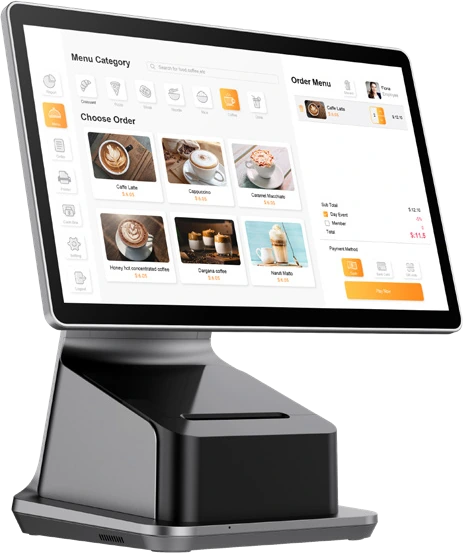
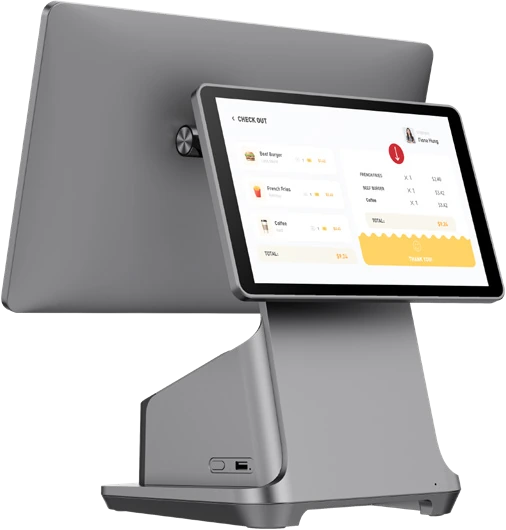
An Android countertop workstation with a cashier touchscreen, a customer-facing display and a built-in 80mm receipt printer. We’ll review the display configuration, software, connections and payment setup with you.
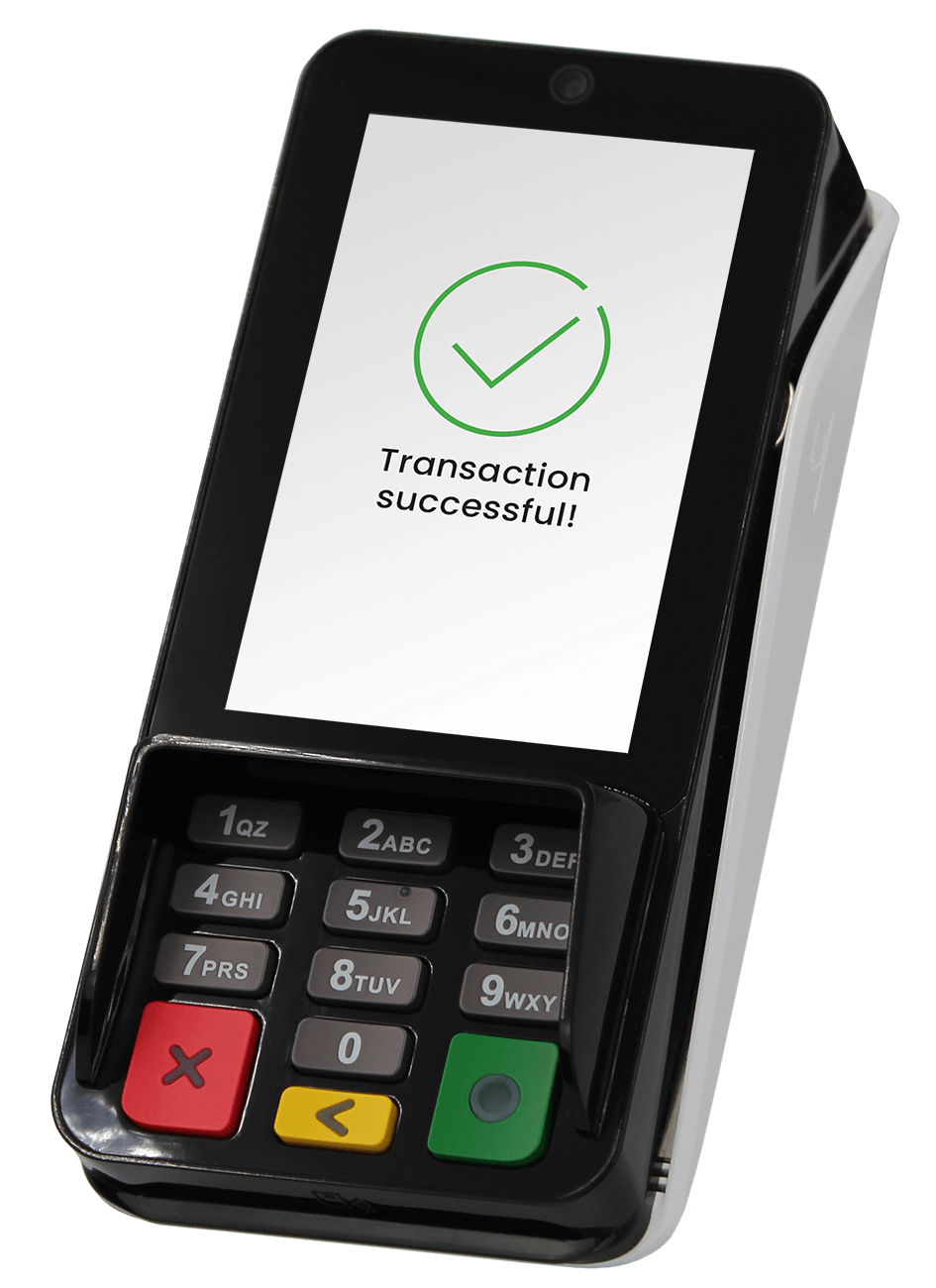
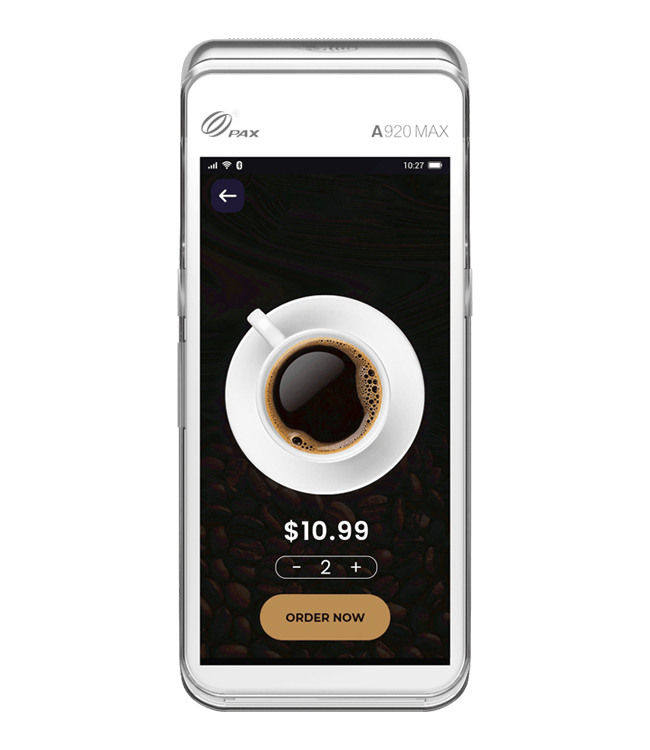
Card processing is not available yet. Hardware compatibility and availability must be confirmed before purchase. Device screens shown are the manufacturer’s.
Bring the setup you have.
A few details help us understand what you can keep and what your counter needs.
1
Your iPad
The model, iPadOS version and the stand you use at the counter.
2
Your connected equipment
Model numbers and connection types for receipt printers, scanners, cash drawers and payment terminals.
3
Your checkout space
A photo of the counter, available power and network connection, plus anything you’d like to improve.
Let’s plan your counter.
Tell us what you have and what you need. We’ll help you work through the details.